SOFTWARE COMPARISON

Motion vs Notion AI: Which Is Better in 2026?

Compare pricing, free plans, strengths and weaknesses to decide which tool fits your workflow better.

VS
Comparison scope

Compare the requirements of your workflow

This page places recorded product information side by side. It does not establish a winner or show results from a matched product test. Check the features, limits and current provider terms for the work you need to complete.

Quick comparison

Feature
Motion
Notion AI
Pricing
Subscription with free trial
Included in Notion Business/Enterprise; limited trial on lower plans
Starting price
$19/seat/month Pro AI billed annually
Included with Notion Business plan
Free plan
Trial
Limited
Best for
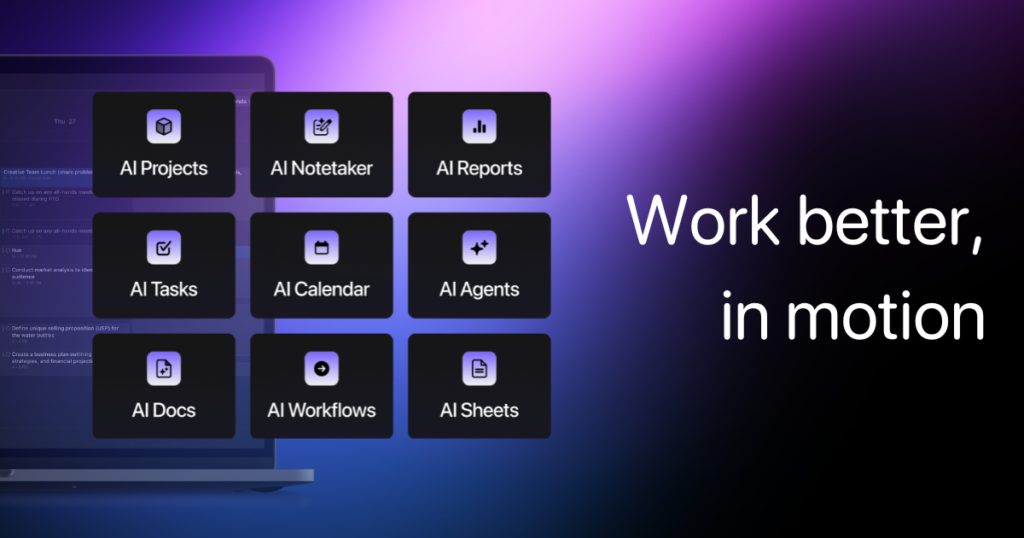
Scheduling, task planning and personal productivity
Knowledge management, writing and team productivity
Pricing
MotionSubscription with free trial
Notion AIIncluded in Notion Business/Enterprise; limited trial on lower plans
Starting price
Motion$19/seat/month Pro AI billed annually
Notion AIIncluded with Notion Business plan
Free plan
MotionTrial
Notion AILimited
Best for
MotionScheduling, task planning and personal productivity
Notion AIKnowledge management, writing and team productivity

Motion pros

  • Automates scheduling
  • Combines tasks and calendar
  • Useful for busy workflows

Motion cons

  • Paid product
  • Requires workflow adjustment
  • Not a general AI assistant

Notion AI pros

  • Integrated with workspace content
  • Useful summarization
  • Strong productivity fit

Notion AI cons

  • Most useful for Notion users
  • AI access depends on plan
  • Not a specialist research engine

Choose Motion if...

Scheduling, task planning and personal productivity

Explore Motion →

Choose Notion AI if...

Knowledge management, writing and team productivity

Explore Notion AI →